
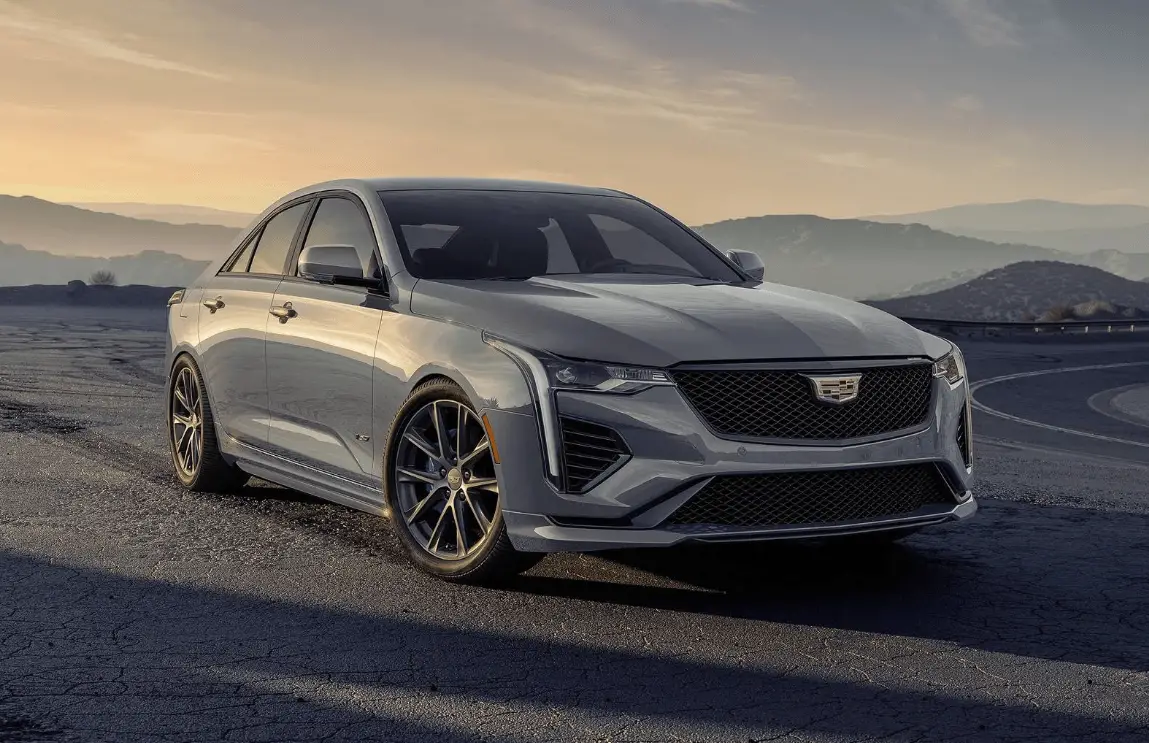
2024 Cadillac CT4 Park Assist User Guide
This tutorial covers the 2024 Cadillac CT4 Park Assist, which uses sensors and cameras to help drivers park safely and comfortably in tight areas. Get into the details.
2024 Cadillac CT4 V-SERIES Specs, Price, Features, Mileage and Review
Park Assist
The vehicle may be equipped with the Rear Park Assist (RPA) or Front and Rear Park Assist (FRPA). The Park Assist system may provide assistance to driver when backing up and parking. Park Assist uses ultrasonic sensors in the bumpers to measure the distance between the vehicle and objects.
The system calculates the distance between vehicle and object via measuring the time it takes for the ultrasonic waves to bounce
back from the object. Park Assist works only at speeds up to about 11 Km/h (7 mph). An illuminated LED in the parking assist button indicates that the system is ready to operate. The sensors on the bumpers may detect objects up to 1.8m (6 ft) behind and 1.25m (4 ft) in front of the vehicle within a zone 25 cm (10 in) high off the ground and below bumper level. These detection distances may be shorter during warmer or humid weather. Blocked sensors will not detect objects and can also cause false detections. Keep the sensors clean of mud, dirt, snow, ice, and slush; and clean sensors after a car wash in freezing temperatures.
Warning
The Park Assist System is no substitute for careful and attentive driving. The Park Assist system does not detect children, pedestrians, bicyclists, animals, or objects located below the bumper or that are too close or too far from the vehicle. It is not available at speeds greater than 11 km/h (7 mph). To prevent injury, death, or vehicle damage, even with Park Assist, always check the area around the vehicle and check all mirrors before moving forward or backing.

How the System Works
The instrument cluster may have a Park Assist display with bars that show “distance to object,” driving direction, and object location information for the Park Assist system. As the object gets closer, more bars light up and the bars change color from yellow to amber to red.
Beeps sound to warn the driver of certain objects that are detected around the vehicle. The frequency of beeps increases as the vehicle gets closer to the object. When the object is very close to the vehicle, the beeps are continuous. Beeps for the front are higher pitched than beeps for the rear.
If equipped with Safety Alert seat, both sides of the seat will pulse alongside the beeps.
When the System Does Not Seem to Work Properly
The following messages may be displayed on the DIC:
SERVICE PARKING ASSIST: If this message occurs, check the following conditions:
- The sensors are not clean. Keep the vehicle’s rear bumper free of mud, dirt, snow, ice, and slush.
- The Park Assist sensors are covered by frost or ice. Frost or ice can form around and behind the sensors and may not always be seen; this can occur after washing the vehicle in cold weather. The message may not clear until the frost or ice has melted.
If the above conditions do not exist, take the vehicle to your dealer to repair the system.
PARK ASSIST OFF: If the PA system does not activate due to a temporary condition,m the appropriate message displays on the DIC. PA OFF message is displayed when disabled by the driver. Front/Rear PA OFF message is displayed when an attached object is detected in the front or rear respectively. PA Temporarily Unavailable message is displayed for system failures.
This can occur under the following conditions:
- The driver has disabled the system.
- An object was hanging out of the trunk during the last drive cycle. Once the object is removed, RPA will return to normal operation.
- The bumper is damaged. Take the vehicle to your dealer to repair the system.
- Other conditions, such as vibrations from a jackhammer or the compression of airbrakes on a very large truck, are affecting system performance.
Turning the Feature On or Off
Touch 
Warning System at the same time. The indicator light next to the button comes on when the features are on and turns off when the features have been disabled.
Turn off Park Assist when towing a trailer.
To view available settings for this feature, touch the Settings icon on the infotainment home page. Select “Vehicle” to display the list of available options and select “Collision/ Detection Systems”.