


2023 Hyundai Palisade Instrument Cluster User Guide
A contemporary, easily readable digital and analog hybrid display is a highlight of the Hyundai Palisade instrument cluster for 2023. It improves driver awareness and convenience by providing crucial driving information like as speed, fuel level, navigation, and safety alerts.
2023 Hyundai Palisade Review, Price, Features and Milage (brochure)
Video: 2023 Hyundai Palisade Warning Indicators
HYUNDAI INSTRUMENT CLUSTER GUIDE


The actual cluster in the vehicle may differ from the illustration.
For more information, refer to “Gauges and Meters.
- Tachometer
- Speedometer
- Engine coolant temperature gauge
- Fuel gauge
- Warning and indicator lights
- LCD display
Instrument Cluster Control
Instrument panel illumination
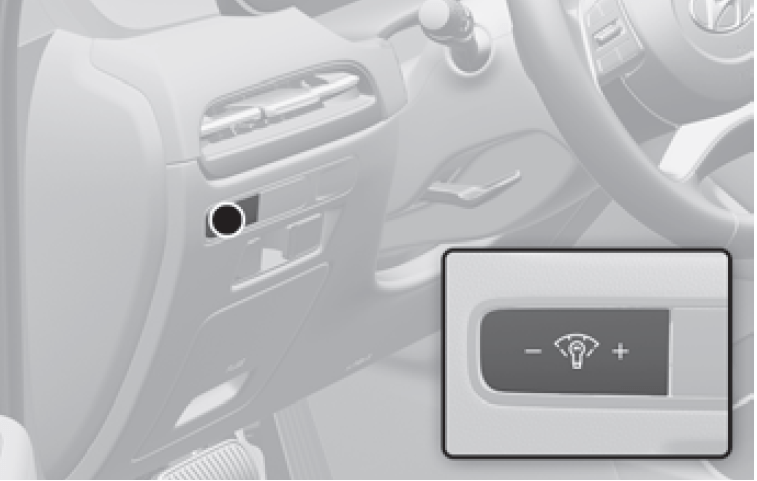
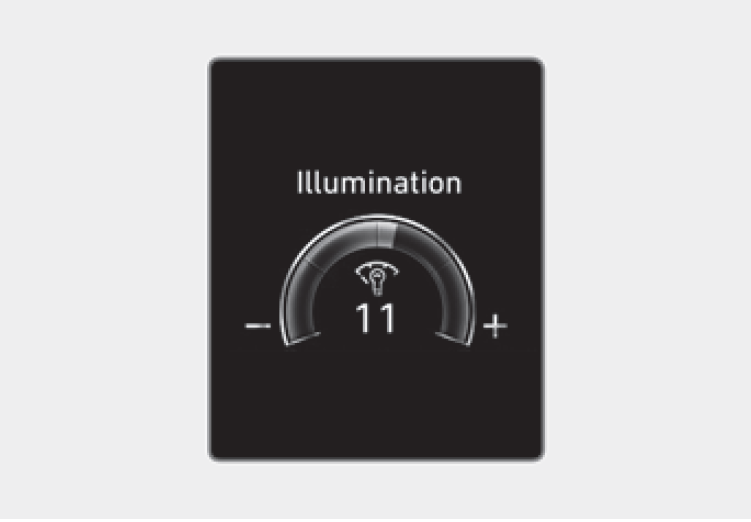
Control switch
When the vehicle’s position lights or headlights are on, press the illumination control switch to adjust the brightness of the instrument panel illumination. When pressing the illumination control switch, the interior switch illumination intensity is also adjusted. The brightness of the instrument panel illumination is displayed on the cluster LCD display. If the brightness reaches the maximum or minimum level, a chime will sound.
Infotainment system
You can adjust he brightness of the instrument panel illumination from the Settings menu in the infotainment system screen. Select:
- Setup > Vehicle > Cluster > Illumination
WARNING
Never adjust the instrument cluster while driving. This could result in loss of control and lead to an accident that may cause death, serious injury, or vehicle damage.
Information
- For safety reasons, the brightness of the instrument cluster lighting can not be adjusted below a certain level.
- The infotainment system may change after software updates. For more information, refer to the user’s manual provided in the infotainment system and the quick reference guide.
Gauges and Meters
Speedometer
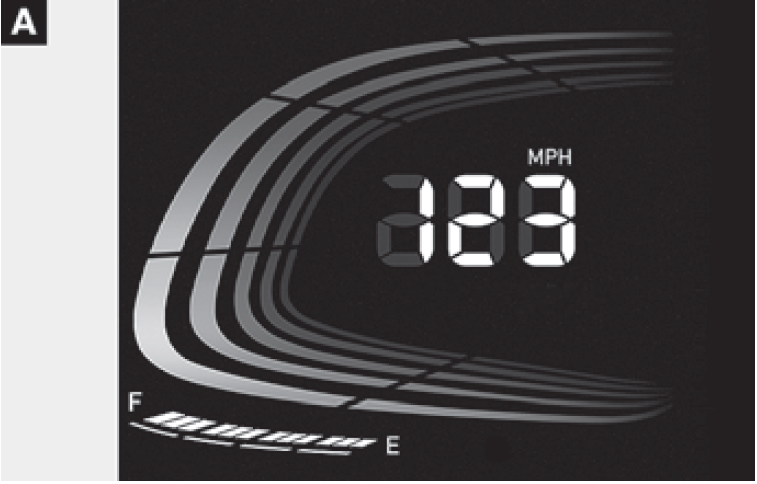
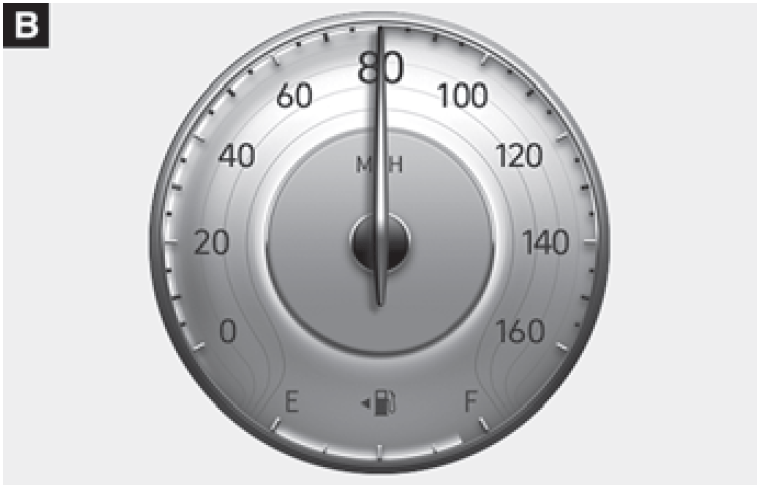
The speedometer indicates the speed of the vehicle and is calibrated in miles per hour (MPH) and/or kilometers per hour (km/h).
Tachometer
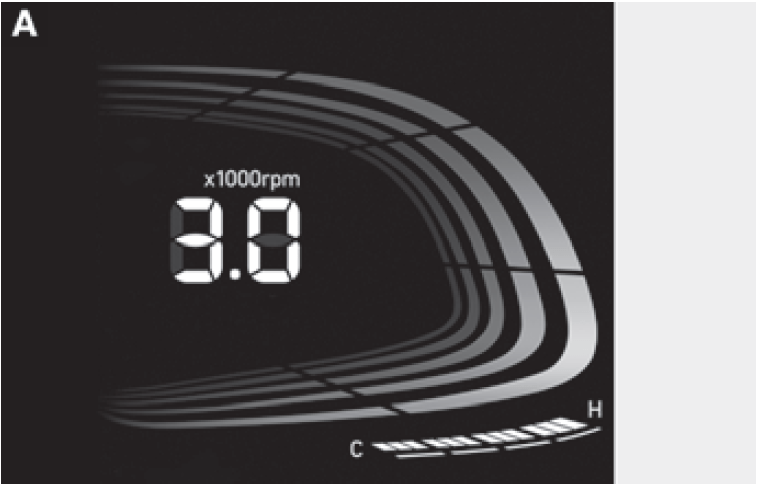
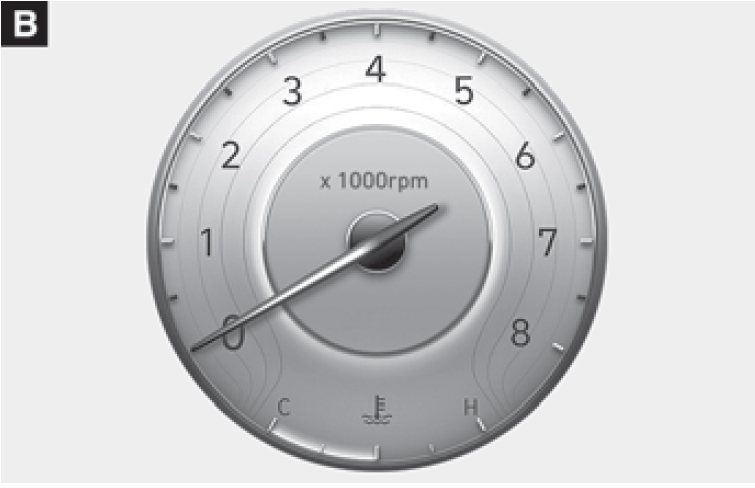
The tachometer indicates the approximate number of engine revolutions per minute (RPM).
Use the tachometer to select the correct shift points and to help prevent lugging and/or over-revving the engine.
NOTICE
Do not operate the engine within the tachometer’s RED ZONE. This may cause severe engine damage.
Engine coolant temperature gauge
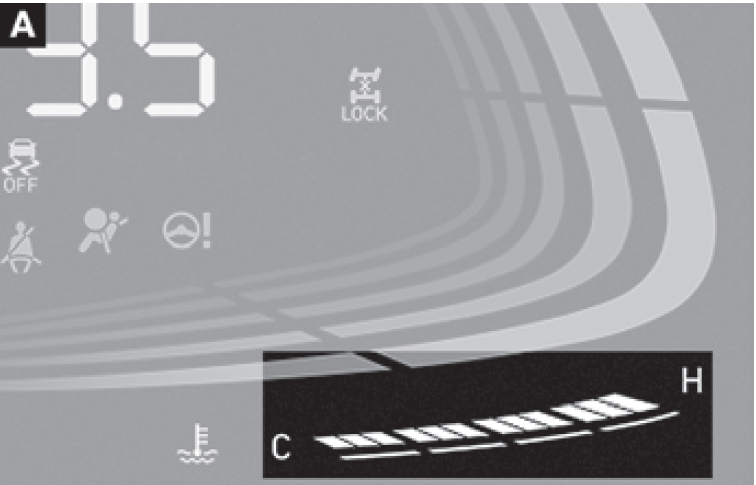
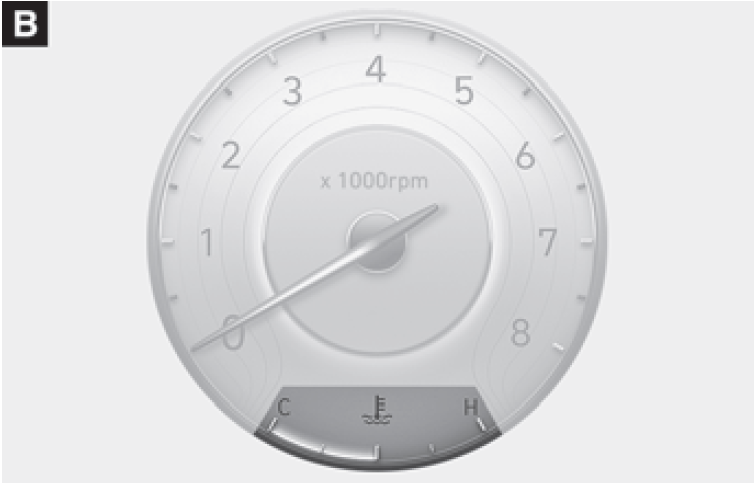
This gauge indicates the temperature of the engine coolant when the ignition switch is in the ON position.
NOTICE
If the gauge pointer moves beyond the normal range area toward the “H (Hot)” position, it indicates overheating that may damage the engine.
Do not continue driving with an overheated engine. If your vehicle overheats, refer to “If The Engine Overheats”.
WARNING
Never remove the engine coolant reservoir cap when the engine is hot. The engine coolant is under pressure and could cause severe burn. Wait until the engine is cool before adding coolant to the reservoir.
Fuel gauge


This gauge indicates the approximate amount of fuel remaining in the fuel tank.
Information
- The fuel tank capacity is given.
- The fuel gauge is supplemented by a low fuel warning light, which will illuminate when the fuel tank is nearly empty.
- On inclines or curves, the fuel gauge pointer may fluctuate or the low fuel warning light may come on earlier than usual due to the movement of fuel in the tank.
WARNING
Running out of fuel can expose vehicle occupants to danger.
You must stop and obtain additional fuel as soon as possible after the warning light comes on or when the gauge indicator comes close to the “E (Empty)” level.
NOTICE
Avoid driving with an extremely low fuel level. Running out of fuel could cause the engine to misfire damaging the catalytic converter.
Outside temperature gauge

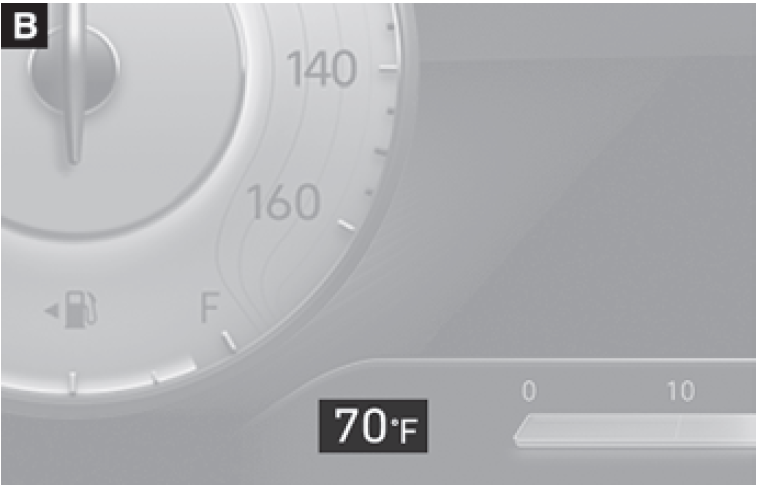
This gauge indicates the current outside air temperatures by increments of 1 °F (1 °C).
Note that the temperature indicated on the LCD display may not change as quickly as the outside temperature (there may be a slight delay before the temperature changes.)
You can change the temperature unit from the Settings menu in the infotainment system screen. Select:
- Setup > General > Units > Temperature Unit > °F/°C
Both the temperature unit on the cluster LCD display and climate control screen will change.
2023 Hyundai Palisade Review, Price, Features and Milage (brochure)
Information
The infotainment system may change after software updates. For more information, refer to the user’s manual provided in the infotainment system and the quick reference guide.
Odometer

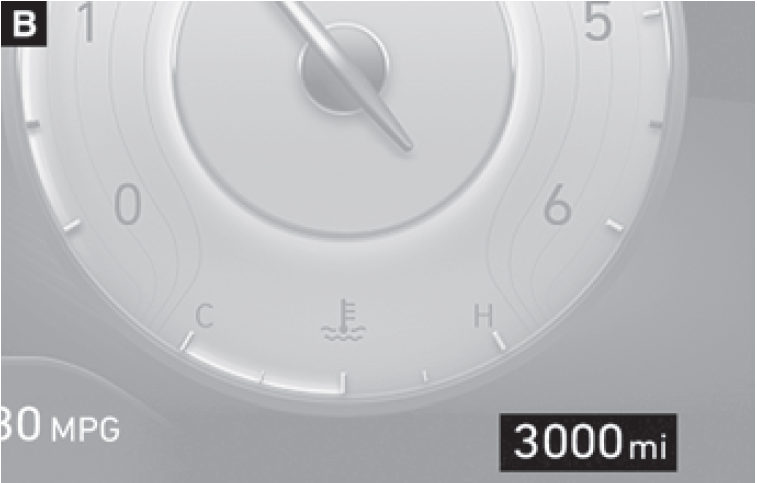
The odometer indicates the total distance that the vehicle has been driven and should be used to determine when periodic maintenance should be performed.
Distance to empty
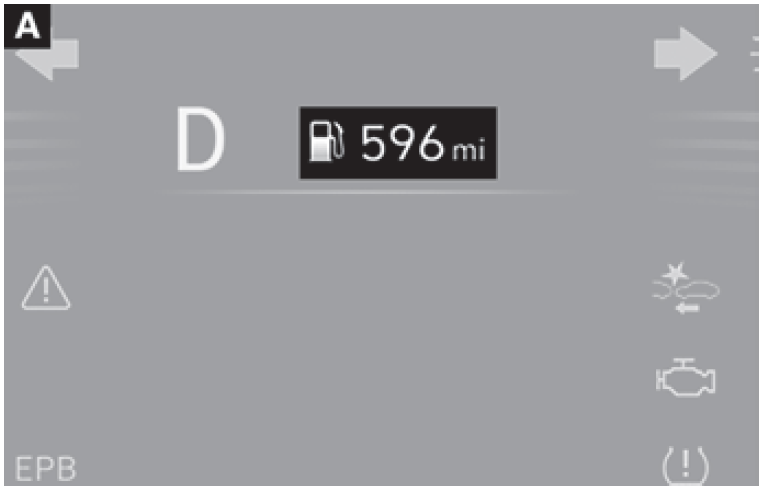
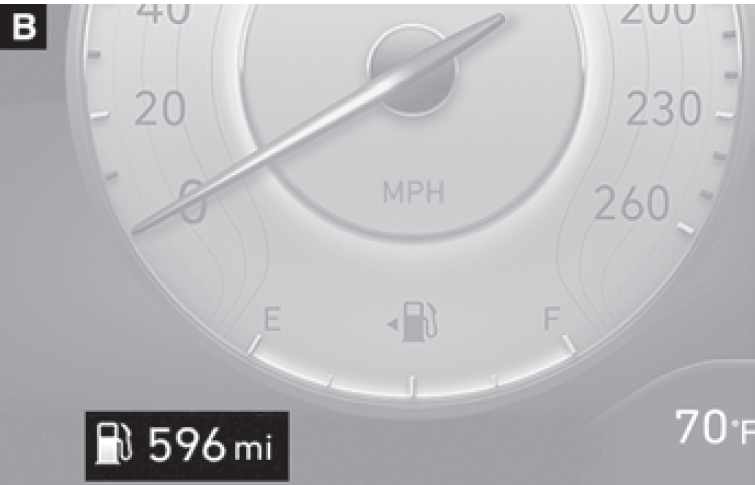
- The distance to empty is the estimated distance the vehicle can be driven with the remaining fuel.
- If the estimated distance is below 1 mi.(1 km), the trip computer will display “—” as distance to empty.
Information
- If the vehicle is not on level ground or the battery power has been interrupted, the distance to empty function may not operate correctly.
- The distance to empty may differ from the actual driving distance as it is an estimate of the available driving distance.
- The trip computer may not register additional fuel if less than 2.4 US gal. (9 liters) of fuel are added to the vehicle.
- The distance to empty may vary significantly based on driving conditions, driving habits, and condition of the vehicle.
Fuel economy (for type B cluster)

The average fuel economy (1) and instant fuel economy (2) is displayed at the bottom of the cluster.
Automatic reset
To automatically reset the average fuel economy, select between “After Ignition” or “After Refueling” from the Settings menu in the infotainment system screen.
Information
The infotainment system may change after software updates. For more information, refer to the user’s manual provided in the infotainment system and the quick reference guide.
Transmission Shift Indicator
Automatic transmission shift indicator
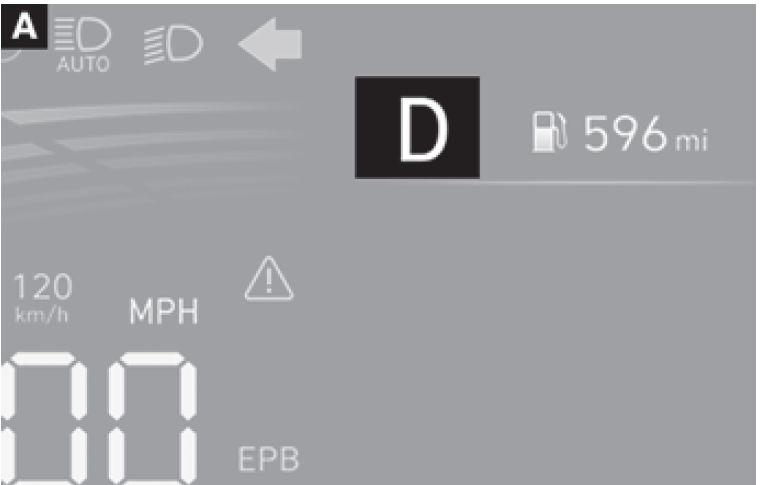

This indicator informs the current gear engaged.
Useful Links:
View Full PDF: 2023 Hyundai Palisade User Guide | Auto User Guide
2023 Hyundai Palisade Review, Price, Features and Milage (brochure)
2023 Hyundai Palisade Smart Cruise Control (SCC) User Guide