
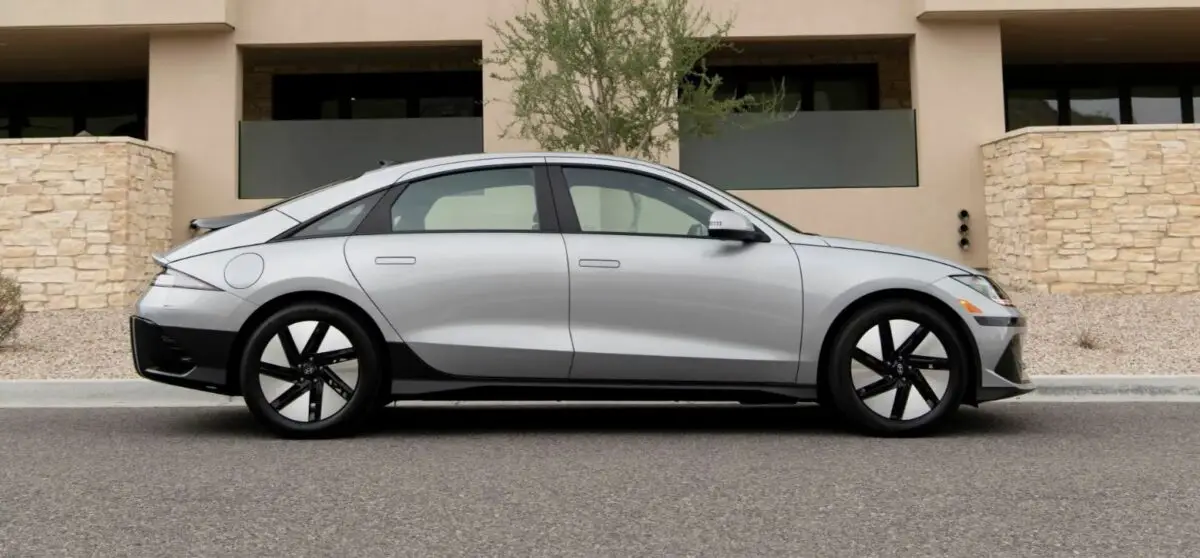

2024 Hyundai Ioniq 6 Cluster Display User Manual
Explore the 2024 Hyundai Ioniq 6 Cluster Display’s sophisticated features. Use digital indicators, gauges, and warning lights to monitor your car and improve your driving experience.
2023 – 2024 Hyundai IONIQ 6 Review, Price, Features And Mileage (Brochure)
Video: 2024 Hyundai Ioniq 6 Dashboard Indicators
Hyundai Cluster Display Control
 The cluster display modes can be changed by using the control switches.
| Switch | Operation | Function |

|
Press | MODE button for changing View modes |
 |
Press | UP, and DOWN switch for changing items in Utility view and Option menu |
| OK | Press | SELECT/RESET switch for entering Option menu |
| Press and hold | SELECT/RESET switch for retrieving assist information or resetting the selected item |
View Modes
| View modes | Explanation |
| Driving Assist | Driving Assist view displays the status of the vehicle’s Driver Assistance systems. |
| Turn by Turn | Turn By Turn view displays the state of the navigation. |
| Utility | Utility view displays driving information such as the trip distance, electric energy economy and etc. |
The information provided may differ depending on which features are applicable to your vehicle. 
 The status of Manual Speed Limit Assist, Smart Cruise Control, Lane Following Assist, Highway Driving Assist, etc., is displayed when Driving Assist view is selected. For more details, refer to each function information section in chapter 7. Turn By Turn (TBT) view
 Turn-by-turn navigation, distance/time to destination information is displayed when Turn by Turn view is selected. Utility view In the Utility view, using the
 Trip distance, average electric energy economy and total driving time are displayed. The driver’s door is opened after turning off the vehicle or the vehicle is turned on after 3 minutes have passed, the Drive Info screen will reset. After Recharging
 Trip distance, total driving time and average energy consumption after the vehicle has been recharged are displayed. To reset manually, press the OK button on the steering wheel for more than 1 second when ‘After recharging’ is displayed. Accumulated info
 The tire pressure of each tire is displayed. For more details, refer to “Tire Pressure Monitoring System (TPMS)” section in chapter 8. Energy flow / Driving force distribution
- The electric vehicle system informs the drivers its energy flow in various operating modes.
- The distribution status of the driving power of the front and rear wheels are displayed when Auto AWD mode is activated.
For more details, refer to “All Wheel Drive (AWD)” section in chapter 6. Additional information display Drive info 
 The current operation conditions of Manual Speed Limit Assist, Cruise Control, Smart Cruise Control, Lane Following Assist, Highway Driving Assist, etc., is displayed.
Vehicle Settings (infotainment System)
Vehicle Settings in the infotainment system provides user options for a variety of settings including door lock/unlock features, convenience features, driver assistance settings, etc. Vehicle Settings menu
- Driver Assistance
- Drive Mode
- EV
- Head-Up Display
- Cluster
- Climate
- Seat
- Lights
- Door
- Convenience
The information provided may differ depending on which functions are available to your vehicle. WARNING Do not operate the Vehicle Settings while driving. This may cause distraction resulting in an accident.
Useful Links
View Full PDF: 2024 Hyundai Ioniq 6 Owner’s Manual|Auto User Guide
2023 – 2024 Hyundai IONIQ 6 Review, Price, Features And Mileage (Brochure)
2024 Hyundai Ioniq 6 Warning Lights and Indicator Guide