


2026 Hyundai Santa Fe LCD Display User Guide
The 2026 Hyundai Santa Fe comes with a modern LCD display that shows important driving information clearly. This guide explains its features, including speed, navigation, fuel levels, and settings, helping you make the most of your driving experience.
Video: 2026 Hyundai Santa Fe Warning Indicators
Cluster Display
Cluster display control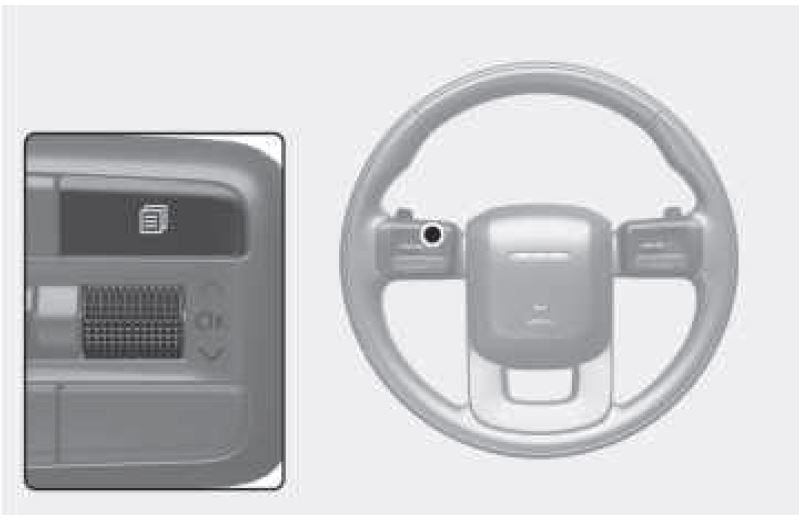
| Switch | Function |

|
MODE button for changing modes |
 |
MOVE switch for changing items |
| OK | SELECT/RESET button for setting or resetting the selected item |
View modes
| View modes | Explanation |
| Driving Assist | This mode displays Driver Assistance system such as Lane Keeping Assist, Smart Cruise Control, and Lane Following Assist etc. |
| Turn by Turn | This mode displays the navigation guidance. |
| Utility | This mode displays driving information such as the trip distance, fuel economy and etc. |
The information provided may differ depending on which functions are applicable to your vehicle.
Driving Assist mode
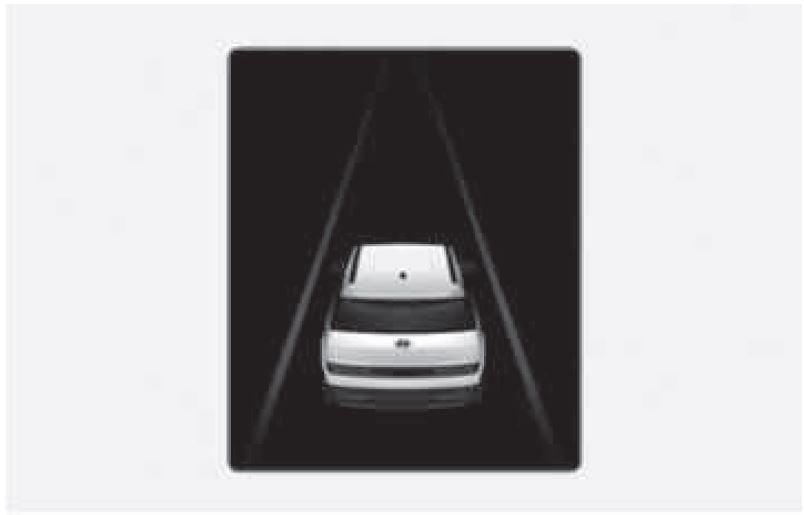
LKA/SCC/LFA/HDA
Displays the state of Lane Keeping Assist, Smart Cruise Control, Lane Following Assist and Highway Driving Assist (if equipped). For more information, refer to each system information in chapter 7.
Turn by Turn (TBT) mode
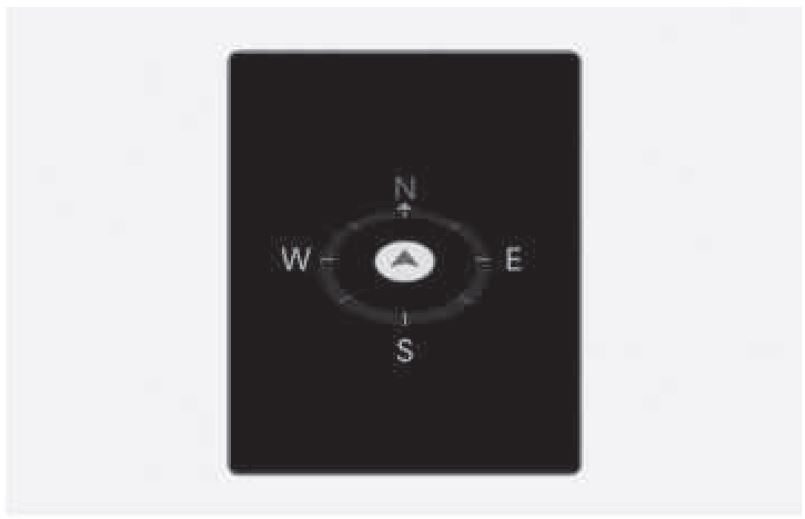
Turn-by-turn navigation and distance/ time to destination appear when Turn by Turn mode is selected.
Utility view
Current Trip
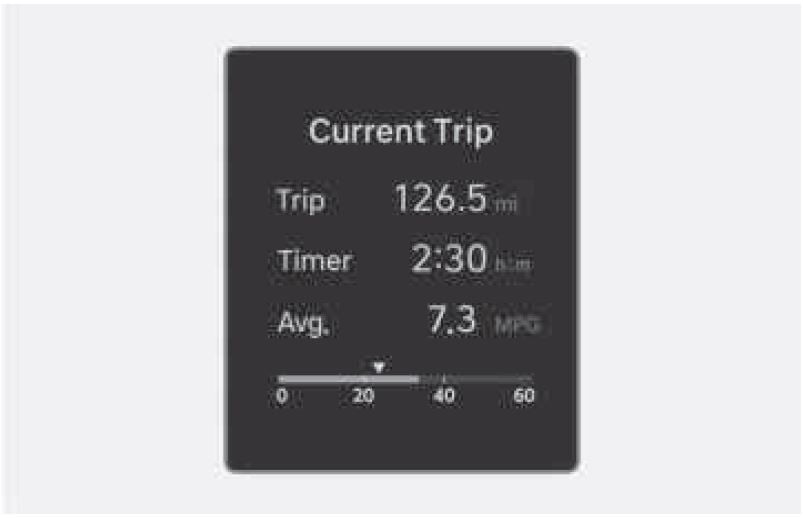
The trip computer mode displays information related to vehicle driving parameters including fuel economy, tripmeter information, and vehicle speed.
Since Refuelling
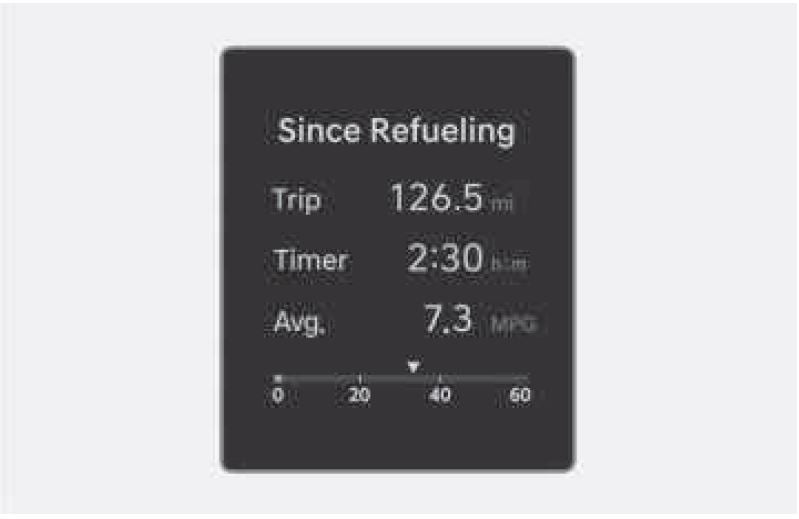
After the vehicle has been refueled, the trip distance, total driving time and average fuel economy appear.
To reset manually, press the OK button on the steering wheel for more than 1 second when “Since Refueling” appears.
Since Last Reset
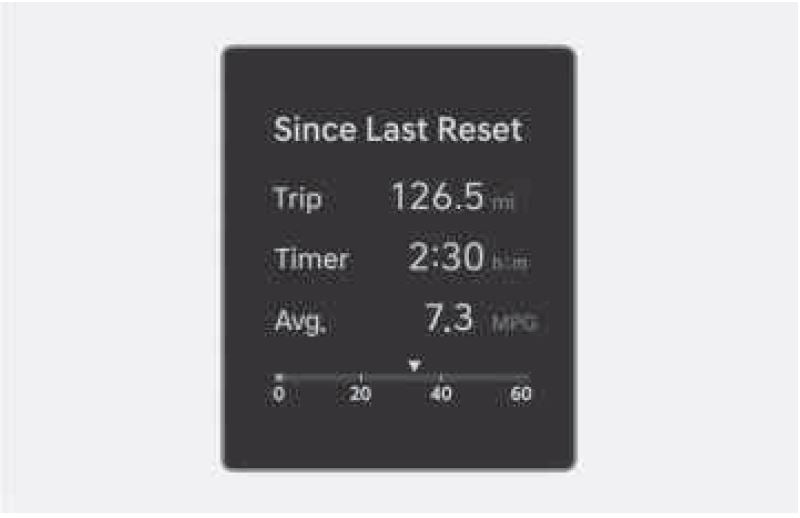
Accumulated trip distance, total driving time, and average fuel economy appear.
The information is accumulated starting from the last reset.
To reset manually, press the OK button on the steering wheel for more than 1 second when “Since Last Reset” appears.
Tire pressure
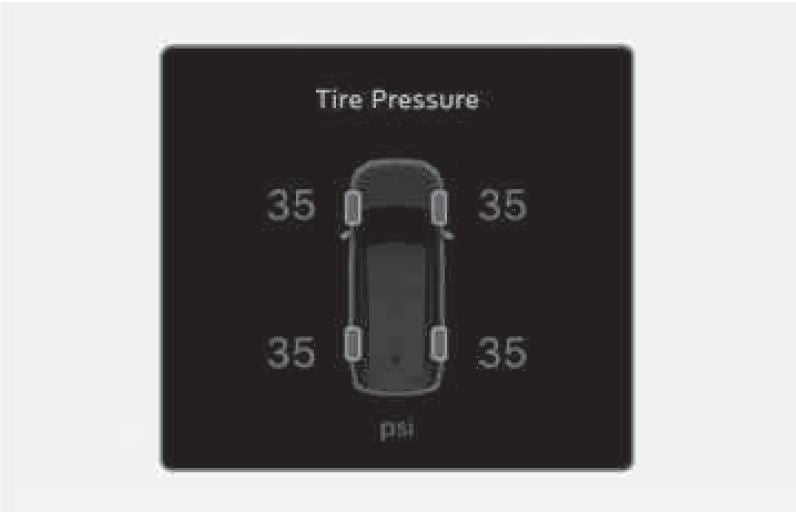
The tire pressure of each tire appears.
For more information, refer to the “Tire Pressure Monitoring System (TPMS)” section in chapter 8.
Driving force distribution (4WD)
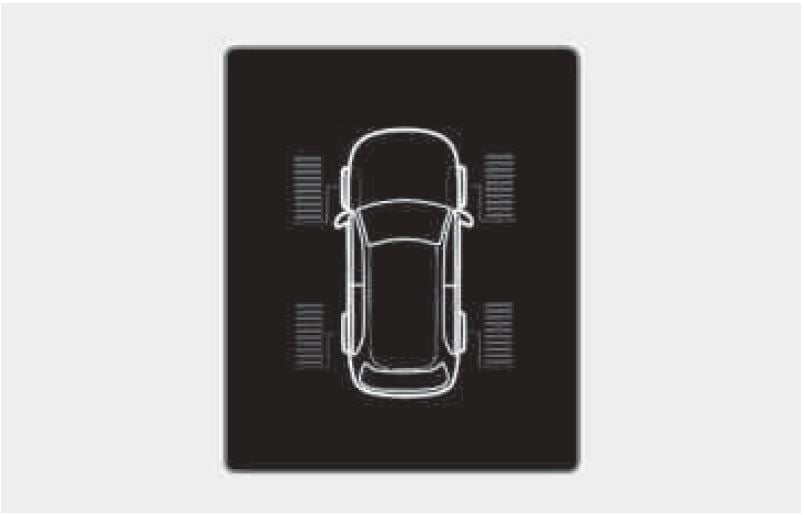
Information related to 4WD driving force appears.
If the vehicle is in 4WD lock state, this mode is not displayed.
For more information, refer to the “Four Wheel Drive (4WD)” section in the chapter 6.
Additional information display
Driver Assistance
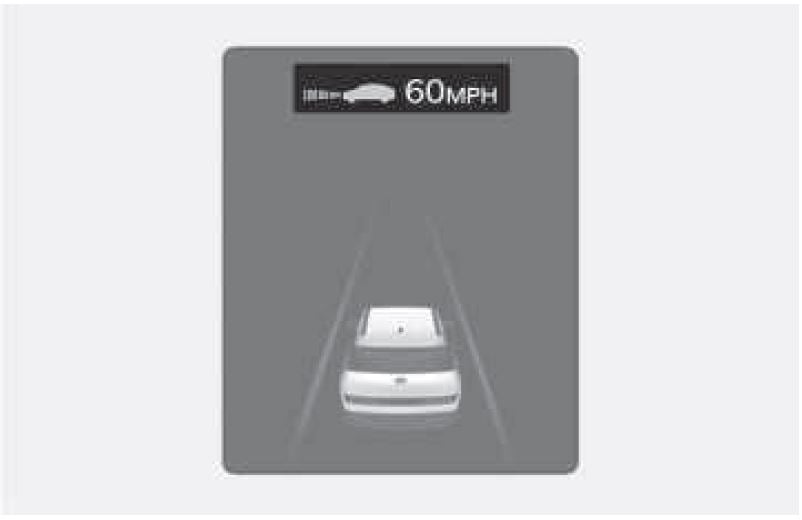
The current operation condition of Manual Speed Limit Assist, Smart Cruise Control, Lane Following Assist, etc. appears.
Master warning mode
Master warning light illuminates if one or more of the following occurs:
- Forward Collision-Avoidance Assist malfunction
- Forward Collision-Avoidance Assist radar blocked
- Blind-Spot Collision-Avoidance Assist malfunction
- Blind-Spot Collision-Avoidance Assist radar blocked
- Rear Cross-Traffic Collision-Avoidance Assist malfunction
- Rear Cross-Traffic Collision-Avoidance Assist radar blocked
- Exterior light malfunction
- LED headlight malfunction
- High Beam Assist malfunction
- Smart Cruise Control malfunction
- Smart Cruise Control radar blocked
- Lane Following Assist malfunction
- Door/Liftgate malfunction
- Low washer fluid
- Tire Pressure Monitoring System (TPMS) malfunction
Vehicle Settings (infotainment System)
Vehicle Settings in the infotainment system provides user options for a the settings including door lock/unlock features, convenience features, driver assistance settings, etc.
Vehicle Settings menu
- Driver Assistance
- Drive Mode
- Climate
- Seat
- Lights
- Door
- Digital Keys
- Convenience
The information provided may differ depending on which functions are available to your vehicle.
WARNING
Do not adjust the Vehicle Settings while driving. You may be distracted from the driving task and could crash.
Setting your vehicle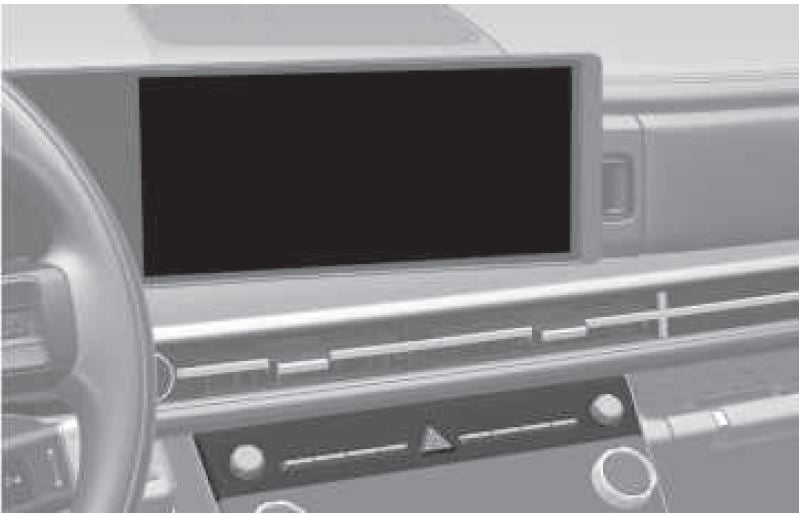
- Press the SETUP button on the main keyboard.
- Select Vehicle to change the settings for features.
Information
The infotainment system may change after software updates. For more information, refer to the user’s manual provided in the infotainment system and the quick reference guide.
Useful Links:
2024 Hyundai SANTA FE Review, Specs, Price, and Mileage (Brochure)
2026 Hyundai Santa Fe Warning Lights and Indicators User Guide
2026 Hyundai Santa Fe Fuses and Fuse Box User Guide