
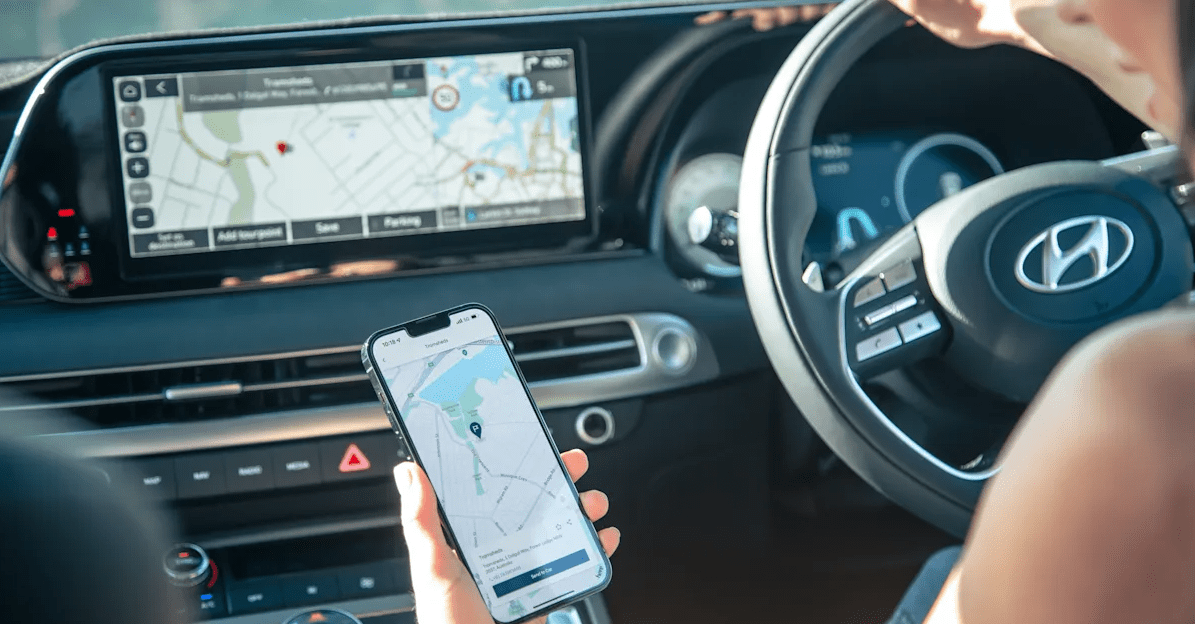

Hyundai Bluelink Display Audio & Navigation System User Guide
The Hyundai Bluelink Display Audio & Navigation System delivers improved connectivity, entertainment, and navigation. Voice commands, real-time information, and smartphone connectivity make driving easier. Get into the details!
2023 Hyundai Tuscon Specs, Price, Features, Milage (Brochure)
Welcome to Bluelink
Bluelink® is a dynamic, telematics technology that allows Hyundai vehicles to send—and receive—important and useful information.
The system uses an enhanced cellular network, with automatic roaming, that optimizes connections and prioritizes emergency requests. In your vehicle, Bluelink uses voice-response technology, with the addition of GPS and a live assistance team for selected needs. With Bluelink you get.
- Automatic emergency assistance, in the unfortunate event of a collision.
- The convenience of Destination Search by Voice, as well as the ability to remotely operate various vehicle features.
- The peace of mind that comes with in-vehicle, on-demand diagnostics, and more…
In addition, selected features incorporate notifications via your choice of text messaging or email. Please note that selected Bluelink features and notifications require that you first input information or set preferences online. An available smartphone mobile app gives you direct access to selected Remote features such as Remote Start with Climate Control* and Remote Door Lock/Unlock.
Hyundai Vehicle Owner Privacy Policy
Your Hyundai vehicle may be equipped with technologies and services that use information collected, generated, recorded or stored by the vehicle. Hyundai has created a Vehicle Owner Privacy Policy to explain how these technologies and services collect, use, and share this information.
You may read our Vehicle Owner Privacy Policy on the Hyundaiusa.com website at https://www.hyundaiusa.com/us/en/owner-privacy-policy. If you would like to receive a hard copy of our Vehicle Owner Privacy Policy, please contact our Customer Connect Center at:
Hyundai Motor America
Hyundai Customer Care Center
P.O. Box 20850
Fountain Valley, CA 92728-0850
800-633-5151 [email protected]
Enrolling in Bluelink
Enrollment begins with creating an account on MyHyundai.com, the Hyundai owner website that you can use to access your Bluelink preferences as well as a number of other ownership tools.
You can do this at your dealership or at home.
If you have not done so already, go to www.MyHyundai.com and select “register”. On the REGISTRATION screen, you will provide basic information about you and your vehicle that will be automatically populated into your Bluelink Enrollment and Preferences screens. Please note that you will need your Vehicle Identification Number (VIN) to complete this step.
After the enrollment process, you can learn about all the Bluelink features and the associated packages—at www.Hyundaibluelink.com, and try them during your free trial periods. In order to setup feature preferences, log on to your Bluelink account on www.MyHyundai.com.
Bluelink Packages
Bluelink services come in three packages:
Connected Care
- Safety:
- Automatic Collison Notification and Assistance
- Enhanced Roadside Assistance
- SOS Emergency Assistance
- Car Care:
- Driving Information
- On-Demand Diagnostics
- Automatic Diagnostics Trouble Code Notification
- Monthly Vehicle Health Report
- Maintenance Alert*
- Service Link
Remote
- Remote Service:
- Remote Door Lock/Unlock
- Remote Horn/Lights
- Remote Start with Climate Control*
- Car Finder**
- Vehicle Safeguard:
- Stolen Vehicle Recovery
- Stolen Vehicle
- Vehicle Immobilization
- Alarm Notification
- Panic Notification
- Vehicle Safeguard Alert***
- Valet Alert
- Geo-Fence
- Speed Alert
- Curfew Alert
Guidance
- Destination Search by Voice
- Destination Send-to-Car
Purchasing Packages
Owners can subscribe to Bluelink packages in the following groupings after the applicable complementary or trial period.
Bluelink Connected Care Package
Automatic Collision Notification and Assistance
In the event an accident occurs and an airbag deploys, an Automatic Collision Notification signal will be automatically transmitted to the Bluelink Customer Care Center.
- Upon receipt of an Automatic Collision Notification, a trained Bluelink response operator will attempt to establish voice communication with the vehicle occupants and dispatch appropriate services.
- If you are unable to answer, the operator will advise you that emergency assistance has been notified and is on the way.
- The operator will remain on the line until help arrives.
- Emergency Contacts can be notified automatically via text messaging or email. Additionally, the Call Center agent can contact your Emergency Contact, if requested. (Emergency contacts can be set on www.MyHyundai.com)
Please note: The Automatic Collision Notification feature is subject to adequate cellular coverage, signal strength, and battery power, and only available in the 50 United States. You must be an active Bluelink subscriber or within the initial free trial period to receive Bluelink services, including Automatic Collision Notification services.
SOS Emergency Assistance
In the event of an emergency, you can request emergency assistance 24/7, 365 days a year, by pressing the dedicated SOS button in your vehicle.

Using SOS Emergency Assistance
- Press the dedicated SOS button.
- A trained Bluelink operator will come on the line and ask about the nature of the emergency and then dispatch the appropriate emergency assistance to the scene.
- If you are unable to answer, the operator will advise you that emergency assistance has been notified and is on the way.
- The operator will remain on the line until help arrives.
- Emergency Contacts can be notified automatically via text messaging or email. Additionally, a Call Center agent can contact your Emergency Contact, if requested. (Emergency contacts can be set on www.MyHyundai.com)

Watch and learn more about Hyundai Bluelink Emergency Assistance
Please note: The SOS Emergency Assistance feature is subject to adequate cellular coverage, signal strength, and battery power, and only available in the 50 United States. You must be an active Bluelink subscriber or within the initial free trial period to receive Bluelink services, including SOS Emergency Assistance services.
2023 Hyundai Tuscon Specs, Price, Features, Milage (Brochure)
Enhanced Roadside Assistance
Enhanced Roadside Assistance works in conjunction with your Hyundai Assurance Roadside Assistance coverage and enhances your coverage by transmitting your vehicle information and location to a specially trained response center for quicker, more efficient assistance.

Using Enhanced Roadside Assistance
- Customers can press the Bluelink button and say “Roadside Assistance” to speak to an agent for Roadside Assistance.
- A trained Bluelink operator will come on the line and ask about the nature of the situation, then dispatch the appropriate roadside assistance to the scene.
- With Bluelink, the operator may be able to inform roadside assistance of your exact location.
- The SOS button can also be used for Enhanced Roadside Assistance.

Watch and learn more about Hyundai Bluelink Enhanced Roadside Assistance
Please note: The Enhanced Roadside Assistance feature is subject to adequate cellular coverage, signal strength, and battery power, and is only available in the 50 United States. You must be an active Bluelink subscriber or within the initial free trial period to receive Bluelink services, including Enhanced Roadside Assistance services.
Car Care
Monthly Vehicle Health Report

Monthly Vehicle Health Report
(actual monthly vehicle report may appear differently depending upon vehicle and equipment)
Thirty days after your new Hyundai vehicle purchase, you can begin receiving a comprehensive diagnostic evaluation involving most aspects of your vehicle’s performance (e.g., systems check, mileage attained, upcoming maintenance, etc.).
In order to receive your Monthly Vehicle Health Report, you must first log on to www.MyHyundai.com, select the Bluelink logo for your applicable vehicle, select Vehicle Health from the side menu, then select Monthly Vehicle Health Report.
www.MyHyundai.com
Bluelink Assistance: 855-2-Bluelink (855-225-8354)
Roadside Assistance: 800-243-7766
FAQ
Hyundai BlueLink is an integrated infotainment system that offers entertainment, connectivity, and navigation features in Hyundai vehicles.
You can access the system through the touchscreen display on your vehicle’s dashboard.
The system offers AM/FM radio, Bluetooth connectivity for music streaming, USB and auxiliary inputs, and compatibility with smartphone apps like Apple CarPlay and Android Auto.
Typically, you can download navigation map updates from the manufacturer’s website and transfer them to your vehicle using a USB drive.
Some Hyundai vehicles may include a built-in modem or offer Wi-Fi hotspot capability for internet connectivity.
Useful Links
2023 Kia Telluride Specs, Price, Features and Mileage (Brochure)
2023 Kia Telluride Brake, Washer Fluid And Air Cleaner Filter User Guide