
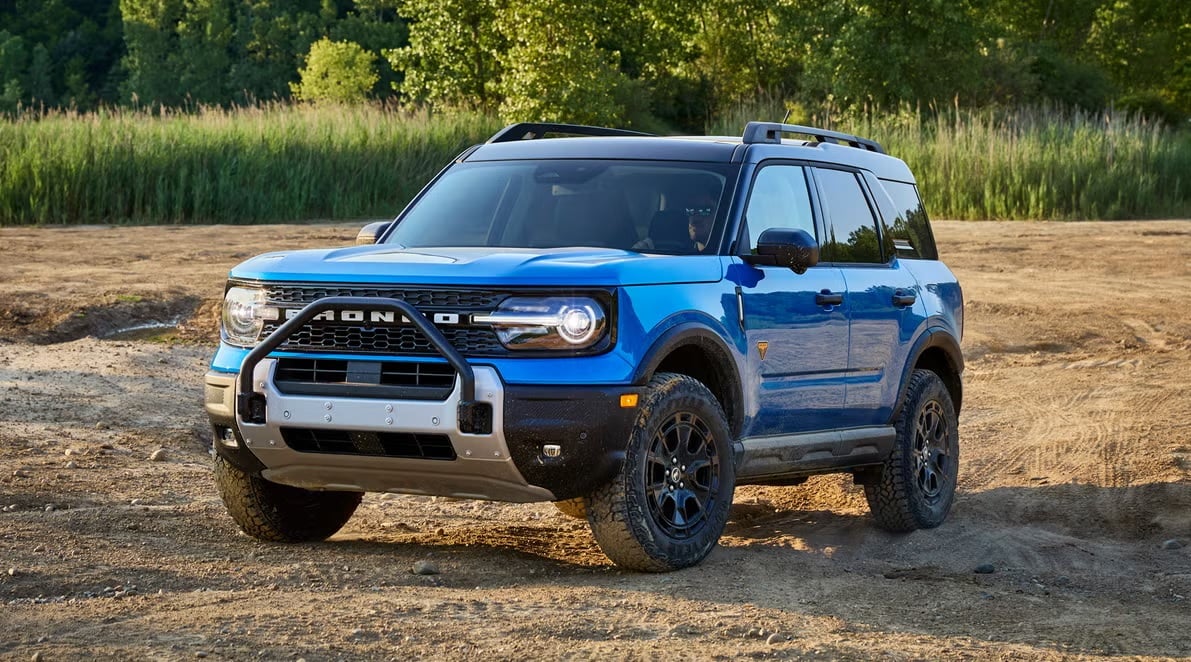

2025 FORD Bronco Sport Keys and Smart Key User Guide
This guide describes the keys and smart key functions for the 2025 Ford Bronco Sport, assisting you in understanding core operations and sophisticated convenience features. It promotes smart entry, remote access, and troubleshooting features.
Keys and Remote Controls
REMOTE CONTROL LIMITATIONS
WARNING: Changes or modifications not expressively approved by the party responsible for compliance could void the user’s authority to operate the equipment. The term “IC:” before the radio certification number only signifies that Industry Canada’s technical specifications were met.
This device complies with Part 15 of the FCC Rules and with Industry Canada license-exempt RSS standard(s). Operation is subject to the following two conditions: (1) This device may not cause harmful interference, and (2) This device must accept any interference received, including interference that may cause undesired operation.
Make sure a valid remote control is within 1 m (3 ft) from the front door handles and rear of vehicle.
The system may not function if:
- The remote control remains stationary for about a minute.
- The vehicle battery has no charge.
- The remote control battery has no charge.
- There is interference causing issues with the remote control frequencies.
- The remote control is too close to metal objects or electronic devices, for example keys or a cell phone.
USING THE REMOTE CONTROL
WARNING: Do not leave a key or remote control unattended in the vehicle. Children or pets could operate the power windows, moonroof or other controls. Failure to follow this instruction could result in personal injury or death.
Use your remote control to access various vehicle systems.
Note: The buttons on your remote may vary depending on the vehicle region or options.
Unlock Press the button to unlock all doors.
Lock
Remote Start  Press the button to remote start.
Panic Alarm  Press the button to sound the panic alarm.
REMOVING THE KEY BLADE
SOUNDING THE PANIC ALARM
Press the button to sound the panic alarm. Press the button again or switch the ignition on to turn it off.
Note: The panic alarm only operates when the ignition is off.
LOCATING YOUR VEHICLE
Press the lock button twice within three seconds. The turn signal lamps flash. We recommend you use this method to locate your vehicle.
CHANGING THE REMOTE CONTROL BATTERY
WARNING: Keep batteries away from children to prevent ingestion. Failure to follow this instruction could result in personal injury or death. If ingested, immediately seek medical attention.
WARNING: If the battery compartment does not securely close, stop using the remote control and replace it as soon as possible. In the meantime, keep the remote control away from children. Failure to follow this instruction could result in personal injury or death.
The remote control uses one coin-type 3-volt lithium battery CR2450 or equivalent.
- Push the release button and pull the key blade out.

- Twist a thin coin under the tab hidden behind the key blade head to remove the battery cover.

- Insert a screwdriver, and carefully remove the battery.
- Install a new battery with the + facing upward.
- Reinstall the battery housing cover onto the transmitter and install the key blade.

Note: Do not wipe off any grease on the battery terminals or on the back surface of the circuit board.
Note: Replacing the battery does not erase the programmed key from your vehicle. The remote control should operate normally.
REPLACING A LOST KEY OR REMOTE CONTROL
You can purchase replacement keys or remote controls from an authorized dealer. Authorized dealers can program remote controls for your vehicle.
WHAT IS KEYLESS ENTRY
The system allows you to lock and unlock your vehicle without taking the passive key out of your pocket or purse.
KEYLESS ENTRY LIMITATIONS
Make sure your remote control is within 1 m (3 ft) from the front door handles and the tailgate.
The system could not function if:
- The remote control remains stationary for about a minute.
- The vehicle battery has no charge.
- The remote control battery has no charge.
- There is interference causing issues with the remote control frequencies.
- The remote control is too close to metal objects or electronic devices, for example keys or a cell phone.
KEYLESS ENTRY SETTINGS
Reprogramming the Unlocking Function (If Equipped)
You can enable the two-stage unlocking function allowing you to unlock only the driver door when you touch the unlock sensor.
Press and hold both the lock and unlock buttons on the remote control for four seconds to disable or enable two-stage unlocking.
If you program the unlocking function so that only the driver door unlocks, you can unlock all of the other doors from inside your vehicle using the power door lock control. You can unlock individual doors by pulling the interior door handles on those doors.
Key Detection Alert
Displays a message in the instrument cluster if no valid key is detected, when you exit your vehicle with a key, after the last front door is closed and your keyless vehicle is in run, indicating your vehicle is still on. An audible alert sounds if you have driven the vehicle and reached a speed of 25 km/h (16 mph) and the above mentioned conditions are met.
You can switch the audible alert on or off.
- From the settings menu, press Vehicle.
- Switch Key Detection Alert On or Off.
USING KEYLESS ENTRY
Unlocking the Doors With your passive key within 1 m (3 ft) of your vehicle, touch the unlock sensor on the back of the door handle for a brief period and then pull on the door handle to unlock, being careful not to touch the lock sensor at the same time or pull on the door handle too quickly. The intelligent access system requires a brief delay to authenticate your passive key.
Locking the Doors With your passive key within 1 m (3 ft) of your vehicle, touch the outer door handle lock sensor for approximately one second to lock, being careful not to touch the unlock sensor on the back of the door handle at the same time. After locking, you can immediately pull on the door handle to confirm locking occurred without inadvertently unlocking.
KEYLESS ENTRY –TROUBLESHOOTING
KEYLESS ENTRY – FREQUENTLY ASKED QUESTIONS
Why does the keyless entry system not function?
If the system does not function it may be limited. See Keyless Entry Limitations. If the system still does not function use the remote control or the key blade to lock and unlock your vehicle.
Why can I not lock my vehicle?
If you electronically lock your vehicle with a rear door or the tailgate open, the system searches for a passive key inside your vehicle after you close the last door. If the system detects a key, all doors unlock indicating that a key is inside. Your vehicle locks if another passive key is within the detection range after you close the last door.
Useful Links:
2024 Ford Bronco Review, Specs, Price and Mileage (Brochure)