
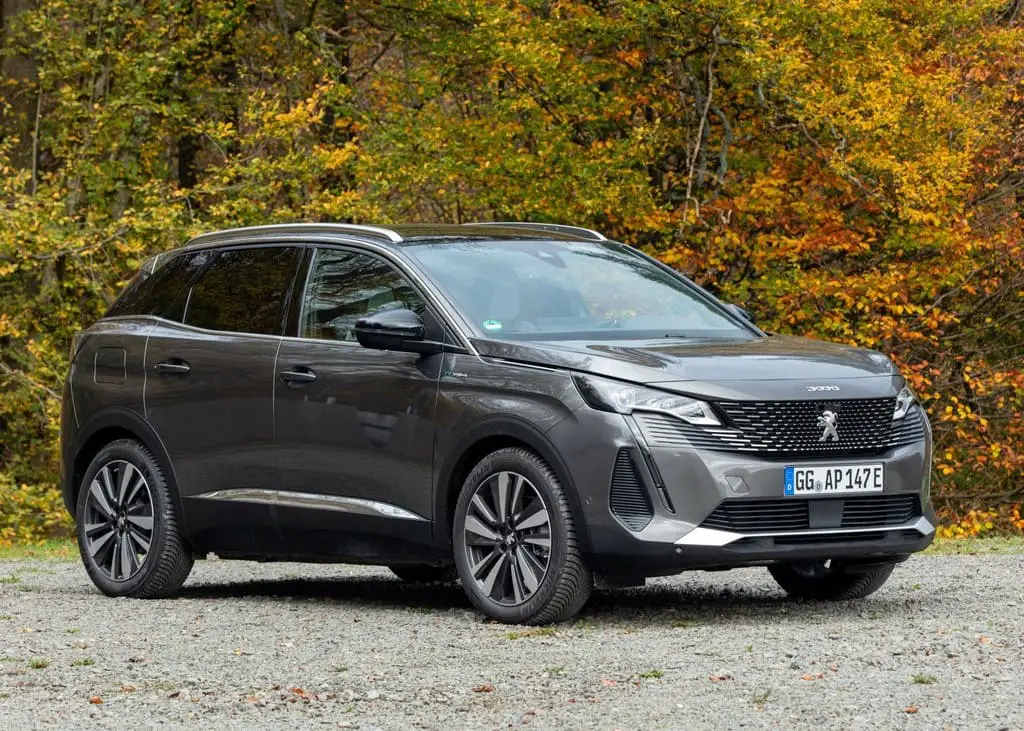

2021-2022 Peugeot 3008 Instrument Panels
Peugeot, a renowned French automobile manufacturer, has meticulously crafted vehicles with an emphasis on performance, innovation, and aesthetics for decades. The 3008 is no exception; the brand’s dedication to excellence is reflected in its instrument panel. This introduction shall examine the principal attributes and operations of the 2021-2022 Peugeot 3008 instrument panel, emphasising the harmonious integration of aesthetics and practicality that distinguishes it as a distinctive component within this widely favoured SUV.
The instrument panel of the Peugeot 3008 2021-2022 is deliberately engineered to prioritise the comfort and security of the driver. By integrating a touchscreen infotainment system with a digital instrument cluster, it provides a unified and user-friendly interface. By integrating this technology, motorists are able to access critical data including speed, navigation, fuel consumption, and more, all while retaining their attention on the road. In summary, the 2021-2022 Peugeot 3008 instrument panel serves as a visual and functional amalgamation that exemplifies the brand’s dedication to optimising the driving experience while remaining intuitive and aesthetically appealing.
Instrument Panel
The instrument panel displays all the information the driver needs about the status of the vehicle’s various systems.
This information appears in the form of warning and indicator lamps and messages.
The instrument panel is in the form of a fully digital screen.
Head-up Digital Display
This digital instrument panel can be customised. Depending on the display mode selected, certain information is hidden or presented differently. Example with the “DIALS” display mode:

Fuel gauge
Analogue speedometer (mph or km/h)
- Gear shift indicator
Selector position and gear engaged on the automatic gearbox - Digital speedometer (mph or km/h)
- Cruise control or speed limiter settings Display of speed limit signs
- Rev counter (x 1,000 rpm)
- Engine coolant temperature indicator (°C)
- Trip distance recorder (miles or km)
- Total distance recorder (miles or km)
- Instrument panel ambient lighting on/off
Short press: start a manual test
Long press: reset the service indicator or trip distance recorder (depending on the context)
Head-up digital display
(Rechargeable hybrid)
This digital instrument panel can be customised. Depending on the display mode selected, certain information is hidden or presented differently. Example with the “Energy” display mode:

- Fuel gauge and remaining range (miles or km)
- Digital speedometer (mph or km/h) READY indicator lamp
- Status of the gearbox
- Energy flows
- Driving mode selected
- Power indicator
- Battery charge level and remaining range (miles or km)
- Trip distance recorder (miles or km)
- Total distance recorder (miles or km)
- A. Instrument panel ambient lighting on/off
B. Short press: start a manual test
Long press: reset the service indicator or trip distance recorder (depending on the context)
In all-electric driving mode, the speed is displayed in blue.
Displays
Some lamps have a fixed location, others can change location.
For certain functions that have indicator lamps for both operation and deactivation, there is only one dedicated location.
Permanent information
In the standard display, the instrument panel shows:
- in fixed locations:
- Information related to the gearbox and gear shift indicator (Petrol or Diesel).
Information related to the drive selector
(Electric).
Fuel gauge (Petrol or Diesel).
Range (Petrol or Diesel).
Coolant temperature indicator (Petrol or Diesel).
Charge level and range indicator (Electric).
Power indicator (Electric).
Driving mode. - in variable locations:
- Digital speedometer.
- Total distance recorder.
- Status or alert messages are displayed temporarily.
Optional information
Depending on the selected display mode and active features, additional information may be displayed:
- Rev counter (Petrol or Diesel).
Trip computer. - Driving aid functions.
Speed limiter or cruise control.
Media currently playing.
Navigation instructions.
Analogue speedometer.
Engine information (G-meters, Power-meters, Boost, Torque) in Sport mode.
Energy flows (Electric).
Customising the instrument panel
Depending on the version, the appearance of the instrument panel may be customisable (colour and/or display mode).
Display language and units
These depend on the touchscreen settings.
Choice of display colour (Petrol or Diesel)
Depending on version, the instrument panel display colour depends on the colour scheme chosen in this system.
The settings are changed via the Settings touchscreen menu.
Choosing the display mode
 In each mode, specific types of information are displayed on the instrument panel.

- Turn the thumbwheel on the left of the steering wheel to display and scroll through the various modes on the instrument panel.
Press the thumbwheel to confirm the mode. If you do not press the thumbwheel, the selected display mode is automatically applied after a few moments.
Display Modes
- “Dials”: standard display of analogue and digital speedometers, distance recorders and:
- fuel gauge, coolant temperature indicator and rev counter (Petrol or Diesel).
- fuel gauge, battery charge level indicator and power indicator (Rechargeable hybrid).
- “Navigation”: specific display, showing current navigation information (map and instructions).
- “Driving”: specific display, showing information relating to active driving aid systems.
- “Minimum”: minimal display with digital speedometer and distance recorders, and in the event of a warning only, fuel gauge and coolant temperature indicator.
- “Energy”: specific display, showing a visual representation of the vehicle’s energy flows
(Rechargeable hybrid). - “Personal”: minimal display, with the ability to select and display optional information in the personalisable areas on the left and right.
Configuring a “Personal” display mode With PEUGEOT Connect Radio
-

Press Settings in the banner of the touch screen.
Select “Configuration”.
Select “Instrument panel personalisation”.
With PEUGEOT Connect Nav
- Press Settings in the banner of the touch screen.
FAQs
The Peugeot 3008 2021-2022 is equipped with a touchscreen infotainment system and a digital instrument cluster positioned in the centre.
Typically measuring 10 inches, the touchscreen infotainment system offers a capacious and intuitive interface.
Undoubtedly, the instrument panel offers drivers the ability to modify their display and settings to suit their individual tastes.
In terms of information presented, the digital instrument cluster encompasses a multitude of metrics, including speed, fuel consumption, navigation directions, and status indicators pertaining to the vehicle.
Indeed, smartphone connectivity is provided, enabling the seamless integration of a mobile device with the infotainment system.
The touchscreen infotainment system located on the instrument panel does indeed enable control of audio, climate, and other vehicle functions.
Indeed, the instrument panel incorporates a multitude of driver-assistance functionalities, including but not limited to adaptive cruise control and lane-keeping assist, all of which are operable via the touchscreen.
Indeed, ambient lighting is incorporated into the instrument panel, thereby augmenting the ambiance of the cabin as a whole.
Utilising the touchscreen infotainment system in the centre of the vehicle, one can access connectivity features, multimedia content, navigation, and vehicle settings.
Voice commands are indeed supported, enabling users to operate a multitude of functions while maintaining their grip on the steering wheel.
Typically located in the instrument cluster or on the touchscreen, the vehicle’s navigation options provide access to controls for adjusting the brightness and settings.
Indeed, the primary objective of the instrument panel’s design is to reduce potential distractions and improve the driver’s concentration on the road.
Smartphone connectivity enables the utilisation of applications, hands-free calling, and music streaming.
In most cases, the navigation system incorporates up-to-date traffic information and turn-by-turn guidance.
Depending on the trim level, the instrument panel may differ; higher trims frequently include more sophisticated materials and features.
Useful Link
View Full PDF : Peugeot 3008 2021-2022 User Manual| Auto User Guide
2021-2022 Peugeot 3008 Keys and Smart Key Operations